Edit photos like a pro with Nano Banana Pro
A practical pass through Gemini 3 Pro’s new image model: sketch to render, relight, re-angle, upscale, and localise text inside the frame.
AI image tools are finally catching up with how creatives actually work. Google DeepMind's Nano Banana Pro, inside Gemini 3 Pro, behaves less like a toy and more like a visual instrument: it reads text inside images, shifts lighting, changes angles, upscales to 4K, and turns a rough sketch into a production-ready render. This guide walks through the moves that matter, so the output looks like it came out of a studio, not a prompt test.
Get into Nano Banana Pro
You do not need a separate app. Nano Banana Pro is reachable directly from the Gemini ecosystem.
- Gemini on web or app. The fastest way to try image creation and editing.
- Google AI Studio. More control over prompts and outputs when you want to dial things in.
- Gemini API or Vertex AI Studio. The path if you are wiring this into internal tools or a production workflow.
For the rest of this guide, assume you are in Gemini on the web. Open Gemini, click Create image under the text field, and you are in.
Turn rough scribbles into polished visuals
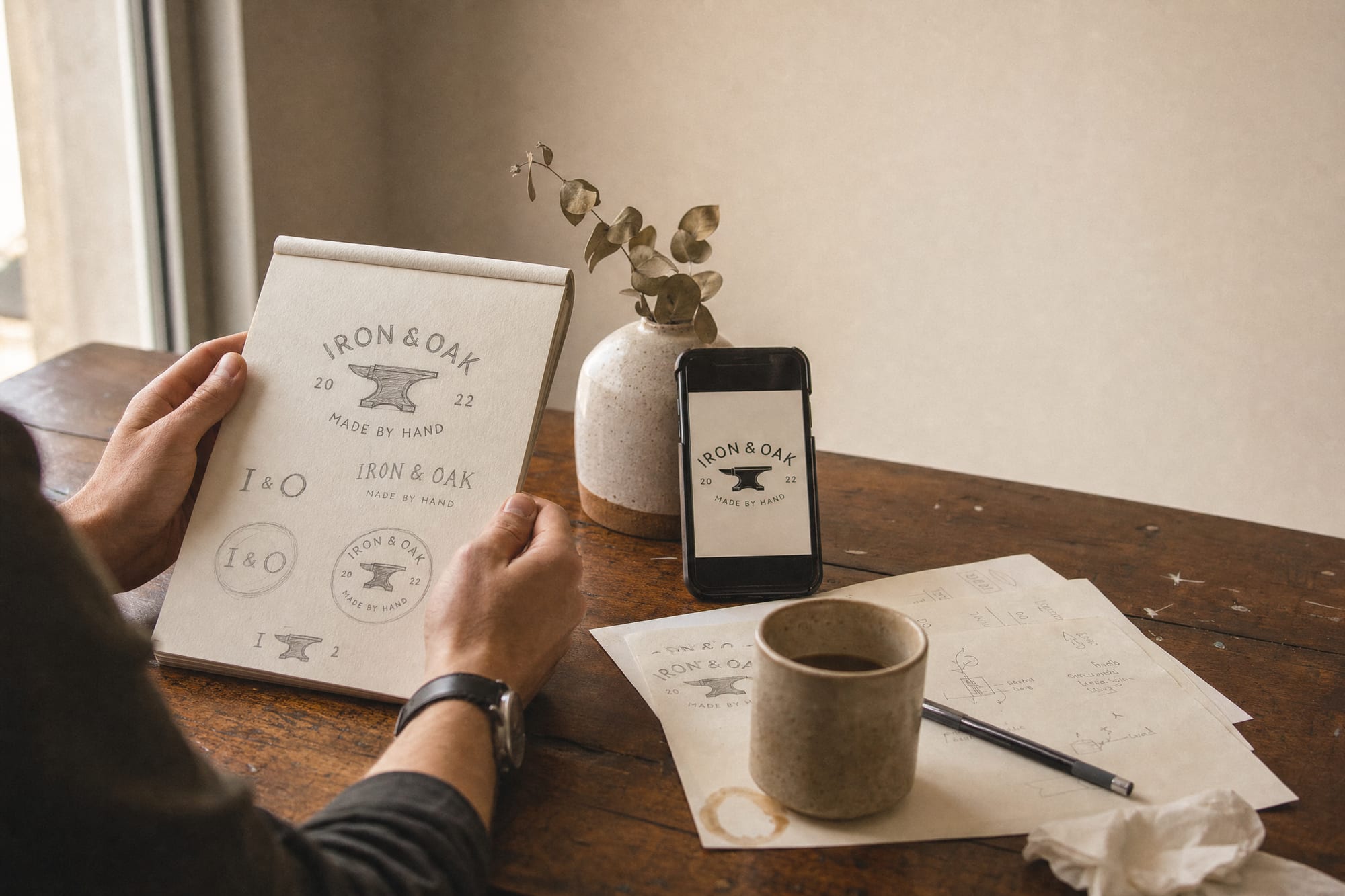
This is where it stops feeling like AI and starts feeling like a collaborator. You have a rough logo idea, a product shape, or a layout sketched on paper or iPad. Upload the sketch and give Nano Banana Pro a clear, simple direction.
Prompt example
"Turn this into a clean logo for a youth streetwear brand. Bold and playful, flat colour, no gradients."
Treat the sketch as direction, not a finished layout. The model is good at "inspired by" rather than copying every line, and the looser the brief, the more confidently it commits to a finished form. Tighten with follow-up prompts: change the colour, simplify the mark, add a wordmark, swap the shape.
Generate a high-quality base image
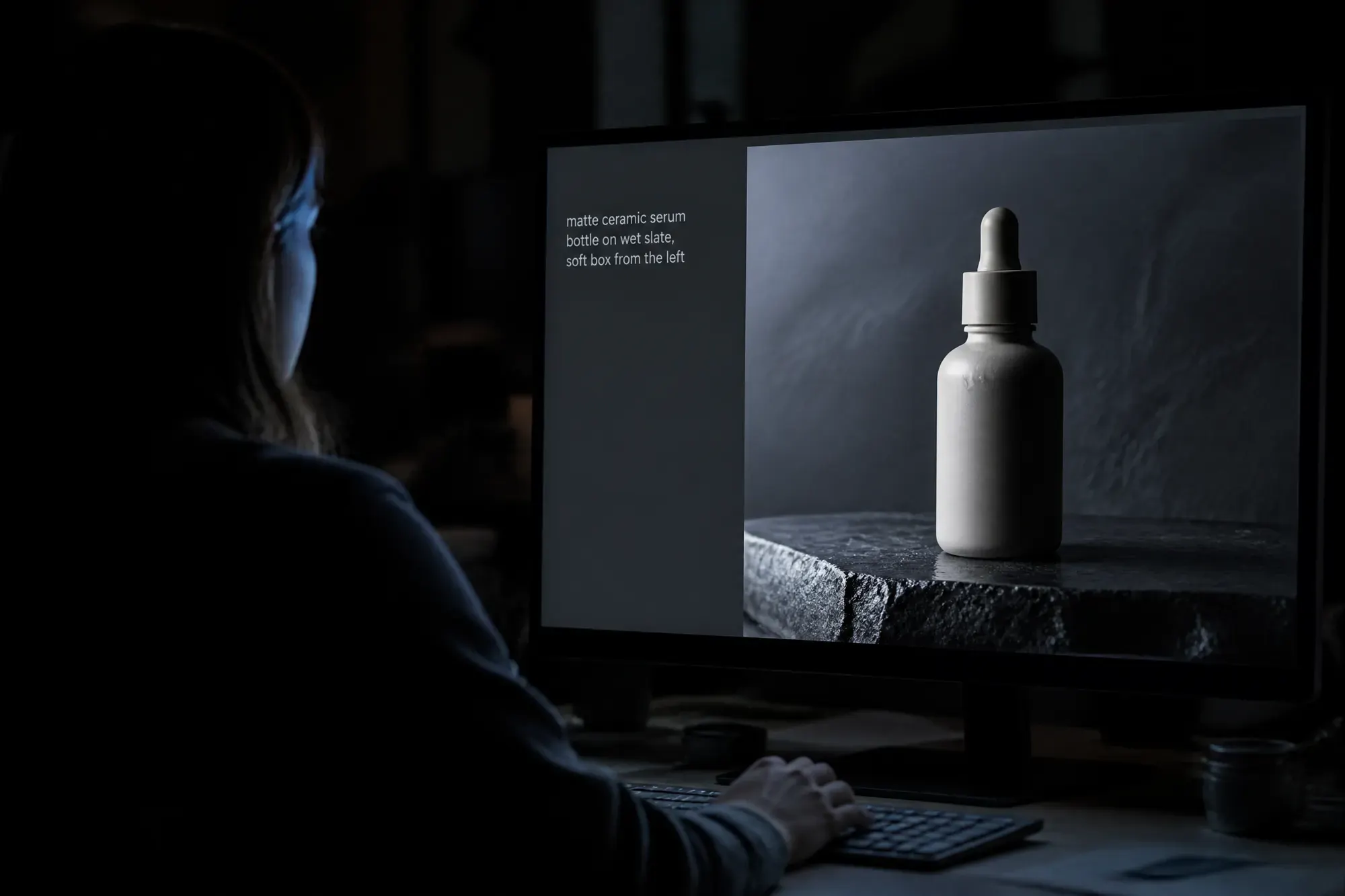
Even when the end goal is editing, start with a strong base. Nano Banana Pro can generate high-resolution, true-to-life imagery from a single prompt: cinematic scenes, product hero shots, environmental moments. Keep the brief specific.
- Subject, setting, mood, detail level. Pin every one of those down, or the model will invent them for you.
- Camera framing. Close-up, mid-shot, wide. If composition matters, name it.
- Where it will live. "For e-commerce PDP", "for OOH", "for Instagram Reels cover". Format intent shapes the output.
The first render becomes your master visual. Every later edit is a variation of this one frame, not a fresh start.
Play with colour and lighting
Traditional retouching teams burn hours nudging light and colour. Nano Banana Pro does it via prompt, on the same image. You can turn day into night while keeping the subject identical, push dramatic directional light, or move into stylised moods: soft morning light, neon city, chiaroscuro.
Prompt example
"Make this a nighttime scene. Keep the character identical, but light the city with warm window lights and a faint neon reflection in the puddles."
Iterate until the lighting feels both dramatic and believable. This is the move that earns its keep when one visual has to flex across seasons, campaigns, or price points.
Explore new angles and shot types
The first render rarely lands the perfect angle. Nano Banana Pro lets you "re-shoot" the same idea: a wide establishing shot for banners, a tight close-up for the PDP, a different angle on the same moment.
Prompt example
"Show this scene from a low angle, looking up at the product, with the background softly blurred and the horizon line tilted slightly."
Think like a director, not a retoucher. One idea, multiple framings, without booking a second shoot. This is where storyboarding, campaign extensions, and eCom shot lists stop being budget problems.
Upscale and reformat for every platform
Once a visual lands, Nano Banana Pro can upscale and resize without destroying the file. Push to 1K, 2K, or 4K depending on where it runs. Change aspect ratios for video, feeds, and verticals, all from the same master.
Prompt example
"Upscale this to 4K and adapt it for a 9:16 vertical hero image, keeping the composition centred on the product and preserving the warm late-afternoon light."
For brands and agencies, this is where the production savings get serious, especially multiplied across dozens of SKUs or campaign lines.
Fix and localise text inside images
Broken or nonsensical text has been the most painful tell in AI imagery. Nano Banana Pro tackles it directly: it reads existing text and replaces it cleanly, leaving the rest of the frame untouched. Translate English labels on a pack into Korean. Swap the call to action on a billboard. Tighten the typography on an ad without rebuilding the visual.
Prompt example
"Translate only the visible English text on these cans into Korean. Keep all colours, fonts, and layout identical."
For global brands, this unlocks fast market localisation, regional campaign variants, and cleaner typography on ads and social, without restarting the creative every time.
Generate a whole image set in one go
Instead of one hero visual per prompt, Nano Banana Pro can produce a sequence or set from a single, carefully written brief: a story told across multiple frames, in one consistent style. Storyboards, comic-style explainers, social carousels, variant testing on performance media: all become single-prompt jobs you then curate, refine, and version.
One detailed prompt, ten coherent frames. The new craft is choosing which three to ship.
What this means for creative teams
Tools like Nano Banana Pro shift the centre of gravity in production. You no longer need a full shoot every time you want to explore a new idea, test a variant, or localise a visual. What you need is clear creative direction, strong prompts, and a system that keeps every output on brand.
The bottleneck moved upstream. Models can render almost anything, almost instantly. The judgement about what to render, in what frame, in what mood, and which one to ship is now the work.
That is where hubStudio sits. A creative-led AI studio that combines AIGC engineers, senior creatives, and real studio capabilities. We design AI that understands a brand's DNA, then scale it into thousands of images, short videos, and eCom assets: fast, on budget, and on brand.